

tachiyomi apk

How to Fix Tachiyomi Extensions Issues

Hi guys so today I will teach you how to fix your Tachi extensions so if your tach is like this failed to fetch available extensions there I will teach you how to fix it

For more detailed information on Tachiyomi extensions, check out our main post on Tachiyomi Extensions.

Step 1: Add Extension Repositories

You just need to add extension repos first. Go to Chrome and search Ki extensions, then click the first link that appeared.
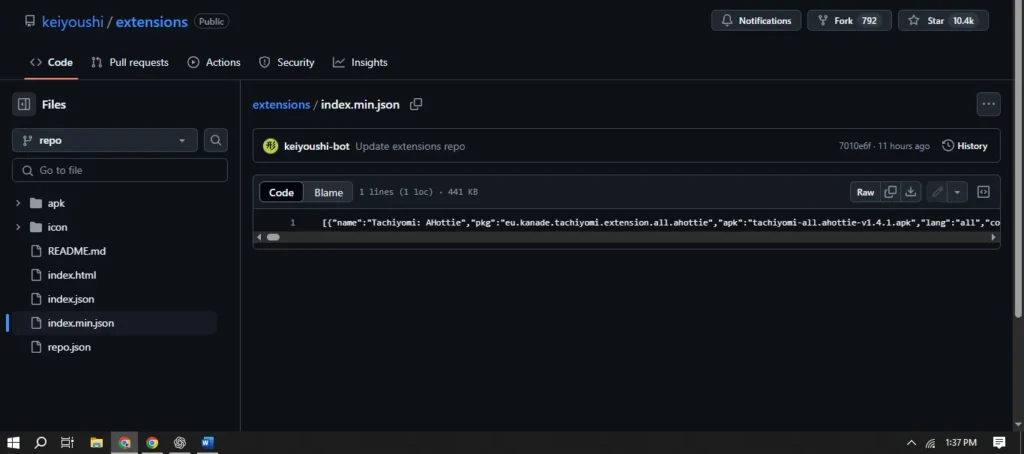
Ki extensions tachiyomi apk

Step 2: Navigate to the Extensions Page

After that, scroll down and you’ll see there’s “others” and tap the blue “listing page” blue one. It will take you to the extensions page.
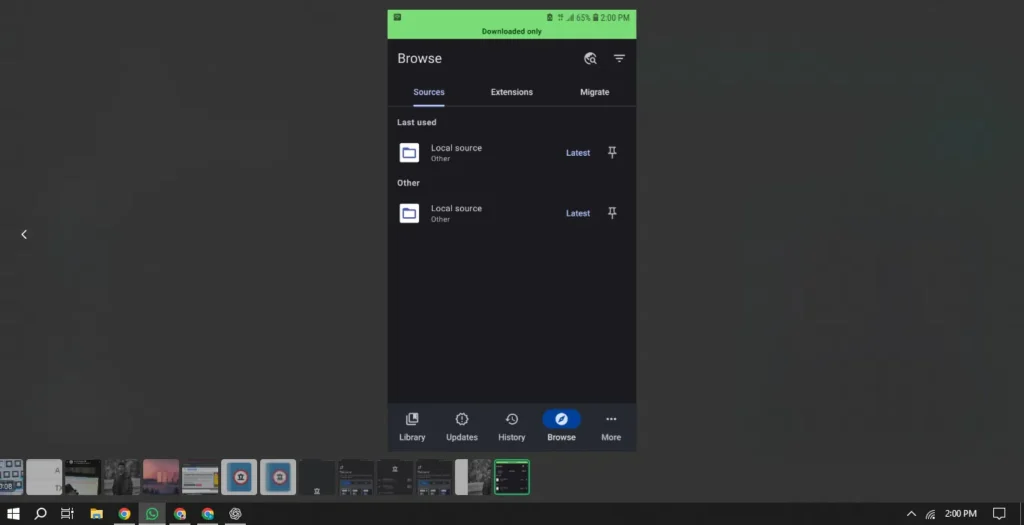
Step 2: Initial Setup Open the app after installation. Personalize the interface as desired. Select or create a folder for Tachiyomi's storage. Grant all necessary permissions when prompted. Tap Next and then Get Started to finish setup.

Step 3: Add Repository

The internet is so slow, but once you’re there, you’ll see there are a total of 1,255 extensions. So you just need to tap add repository. It will take you to the Tachiyomi app itself. There you go!

Step 2: Initial Setup Open the app after installation. Personalize the interface as desired. Select or create a folder for Tachiyomi's storage. Grant all necessary permissions when prompted. Tap Next and then Get Started to finish setup.

Step 4: Refresh and Open Tachiyomi

Once you’ve done that, you just need to refresh your Tachiyomi app and open it again.

Conclusion

And there you go, you have your extensions back! It’s still the same—you just need to find your extension.


Similar Posts

  • How to Backup & Migrate Tachiyomi-Transfer from Manga Rock & More

    How to Backup and Restore Your Tachiyomi Data latest and most efficiant sol Backing up and restoring your Tachiyomi data is essential to ensure you don’t lose your manga library, reading progress, or settings. Many users have asked how to back up Tachiyomi on PC, transfer their data between phones, and save Tachiyomi on an…

  • Best Tachiyomi Alternatives 2026

    Tachiyomi creators have officially announced that the app will no longer receive active development. While the API remains functional, there will be no further updates. If you’re experiencing issues with the extension list not appearing, read post till end or visit Tachiyomi-apk With Tachiyomi being discontinued, many users are searching for the best alternatives to…

  • How to Move Tachiyomi Backup to iOS [Step-by-Step Guide]

    If you’ve recently switched from Android to iPhone and are worried about losing your manga library, reading progress, and extensions from Tachiyomi — don’t worry. It’s actually possible to migrate your entire Tachiyomi backup to iOS using a compatible reader app. In this complete guide, you’ll learn how to transfer your Tachiyomi backup from Android…

Leave a Reply

Your email address will not be published. Required fields are marked *